
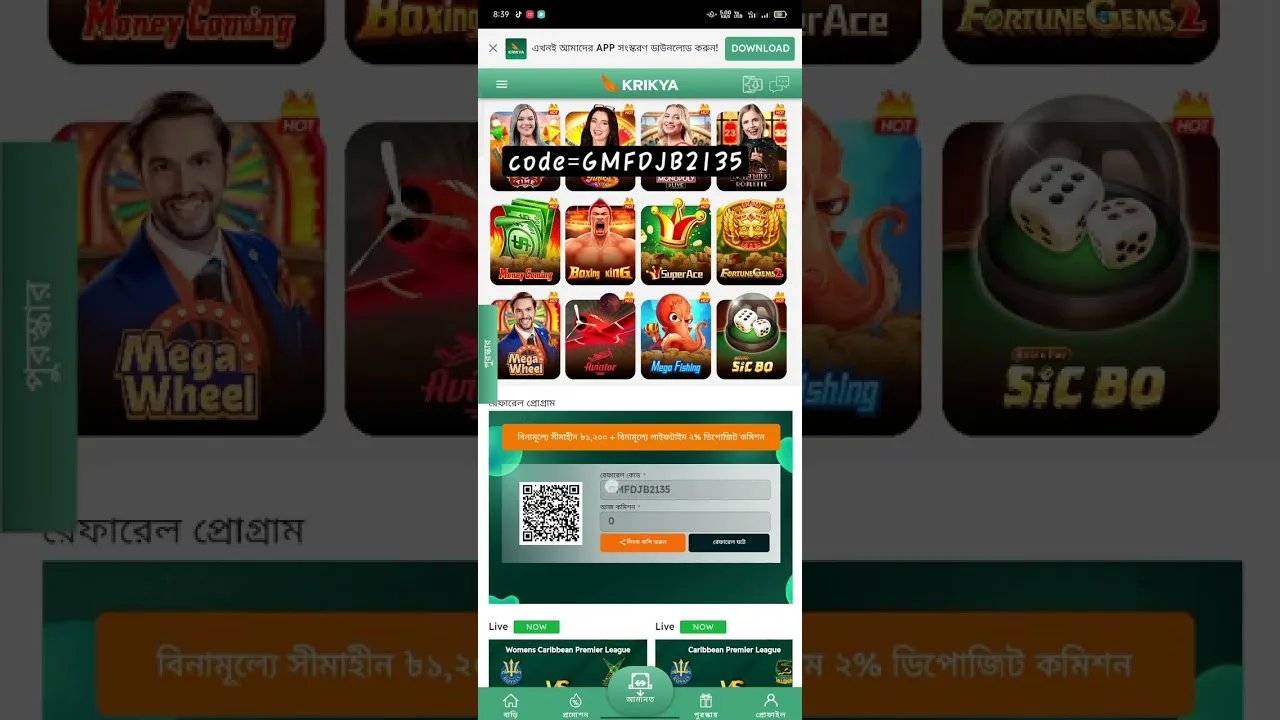

Kirkya Mobile Access Basics
Mobile access can be convenient, but it needs the same caution as desktop login. Before using an APK or mobile browser route for Kirkya, confirm that the instructions come from the official destination and that your device settings are not exposing you to unknown downloads.
Android users should avoid APK files from mirrors or messaging groups. iOS users may rely on browser access if an app is not distributed through a trusted route. Keep the operating system and browser updated.
Login Safety on Mobile
- Use a lock screen and avoid saving passwords on shared phones.
- Check the URL before entering account details.
- Enable two-factor authentication where available.
- Do not install files that request unrelated permissions.
APK and Permission Checklist
A gambling app should not need access to unrelated device features such as contacts, SMS archives or background microphone use. When permissions look wider than expected, pause and ask support for clarification.
Mobile Payment and KYC Notes
Mobile users often complete KYC and cashier actions from the same device. Take clear photos, avoid cropped documents and make sure the name on the payment method matches the account profile.